
Brand brilliantly.
Brand Autodesk.
Brand brilliantly.
Brand Autodesk.

Our brand
Optimistic, relentless, brave, ingenious, trusted. That’s Autodesk. Discover our story and principles, the foundation of our brand.
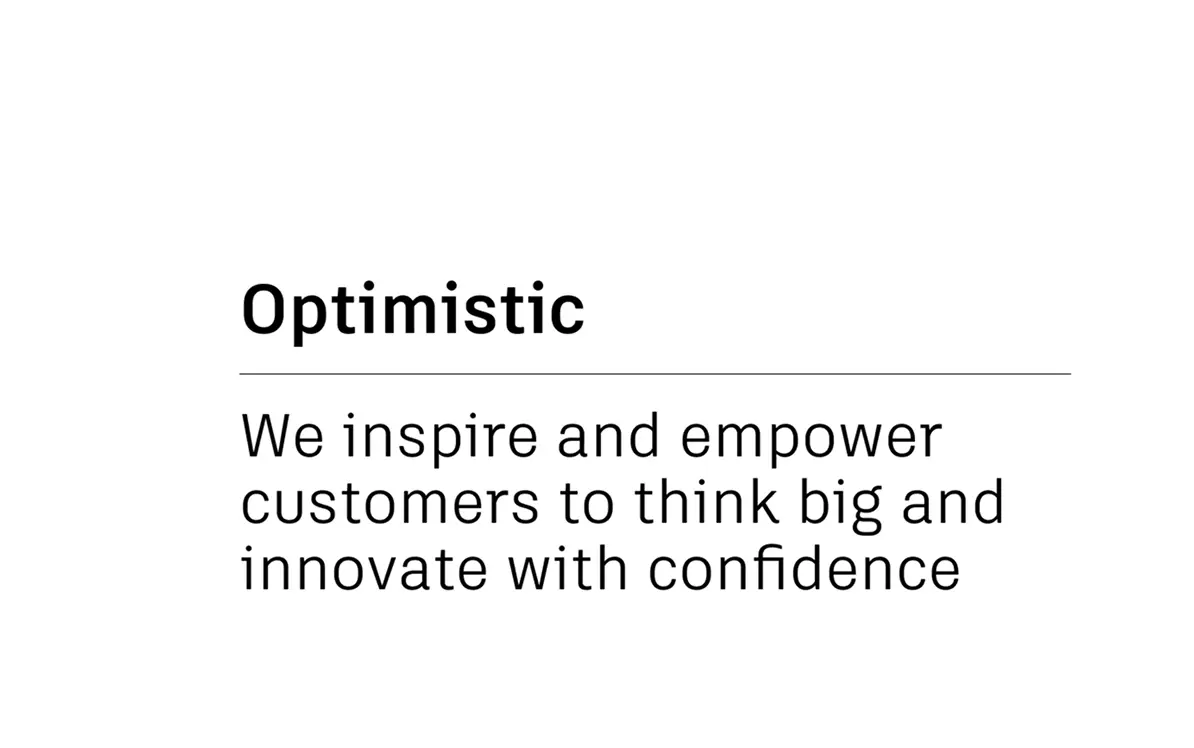
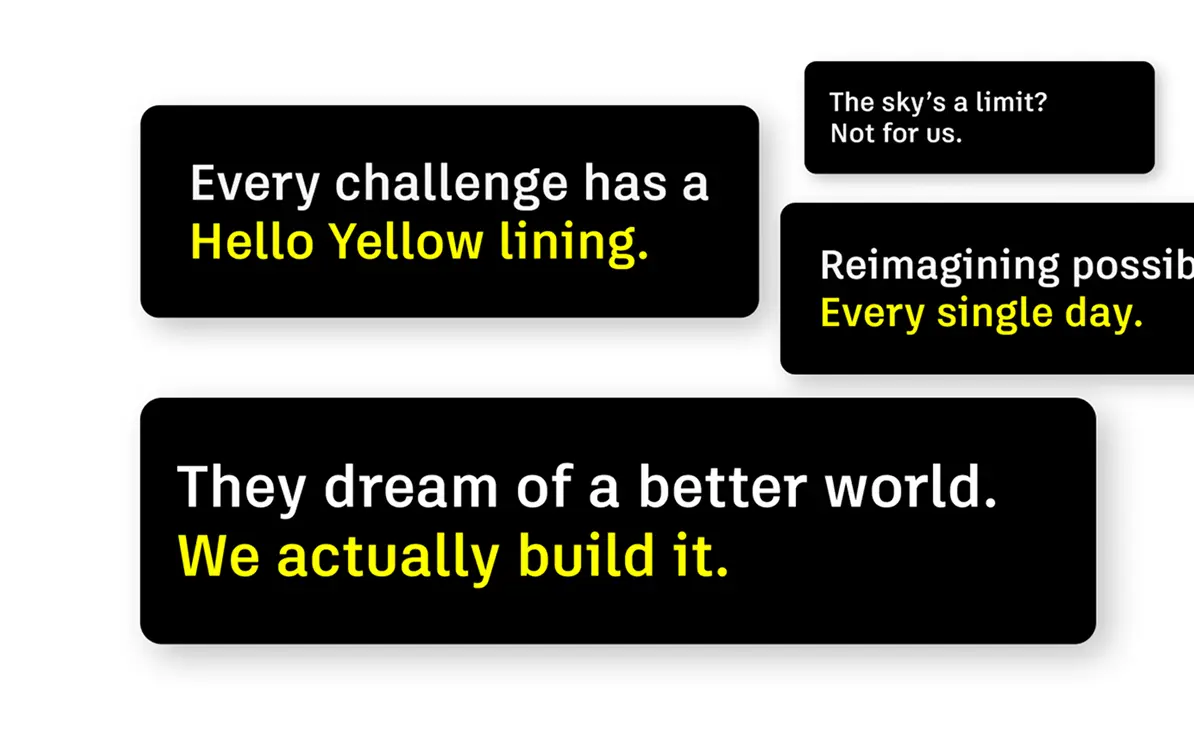
Voice system
Our optimistic, trusted, human brand voice brings to life the stories we tell. See how we make every word sound like Autodesk.
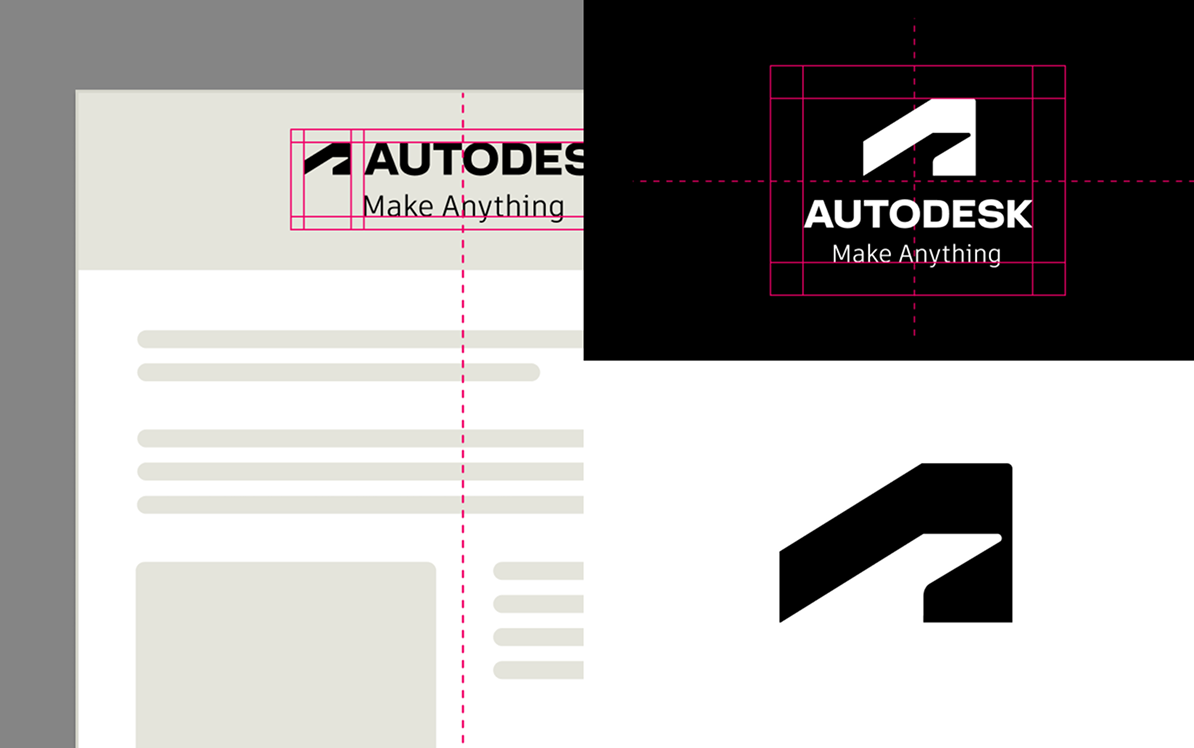
Visual system
From color to layout to typography, explore the building blocks that make our unignorable brand instantly recognizable.
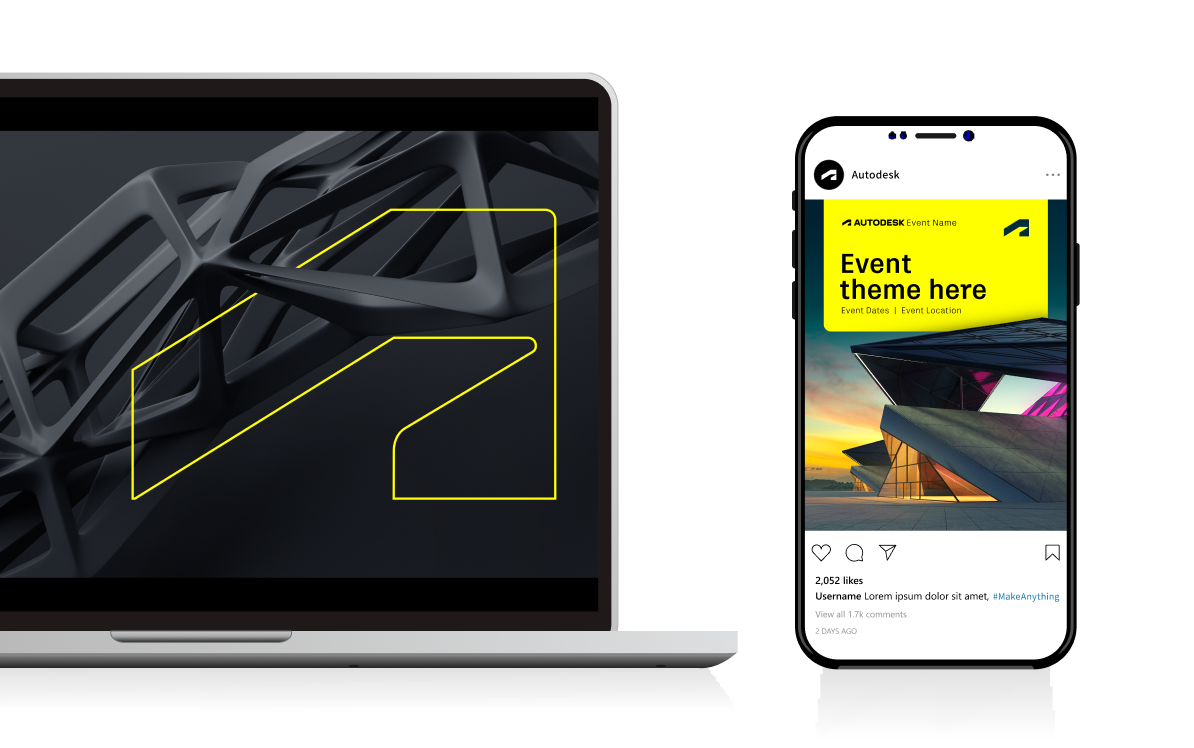
Brand in action
One brand, limitless touchpoints. Find inspiration and clear guidance for creating outstanding Autodesk experiences.
Co-branding
Autodesk Solution Provider? Find out how to represent your relationship with Autodesk clearly and consistently.
Say hello to Hello Yellow
We’ve added a new unignorable primary brand color and refreshed key visual elements. Dig in to what’s new below.
Color
Imagery

Layout system
Typography
Design and make for everyone
Accessibility is essential for a better world. Here are some key ways we ensure everyone can connect with us.
Our colors
Autodesk Black, Autodesk White, Hello Yellow. Here’s how you can ensure they’re accessible.
Digital experiences
Digital touchpoints are our most frequent points of contact. Make sure everyone can engage.
Tools to create
Have a question? Find resources or get in touch (access required)
Ask BrandYour go-to for approved images, logos, and assets (access required)
Autodesk DAMFind step-by-step tutorials for common brand needs (access required)
Brand knowledgeOur hub for how to talk about Autodesk to anyone (access required)
Messaging CenterWork that wows us
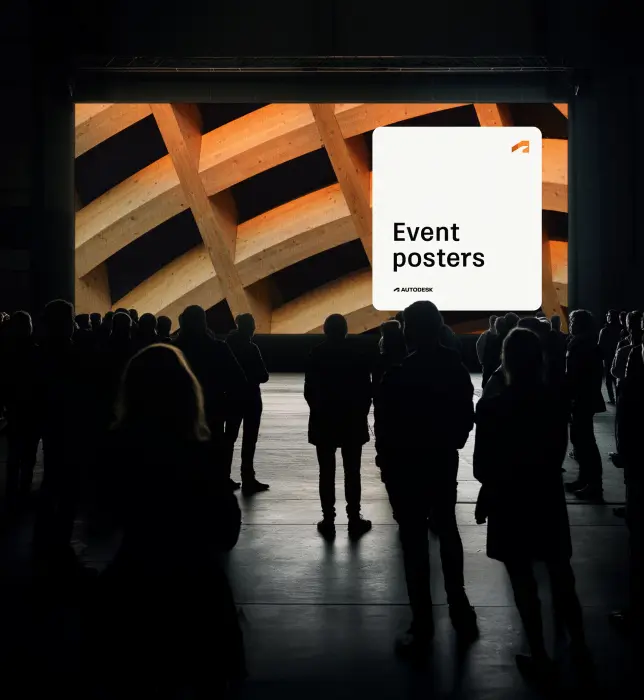
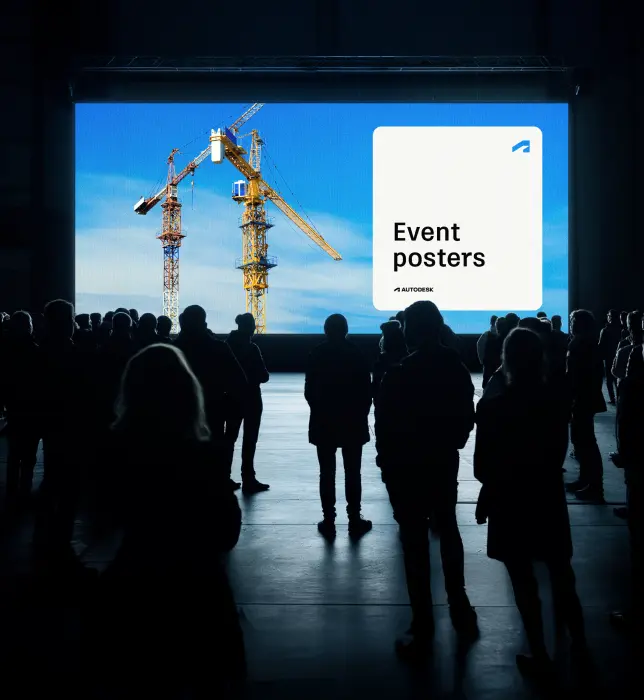
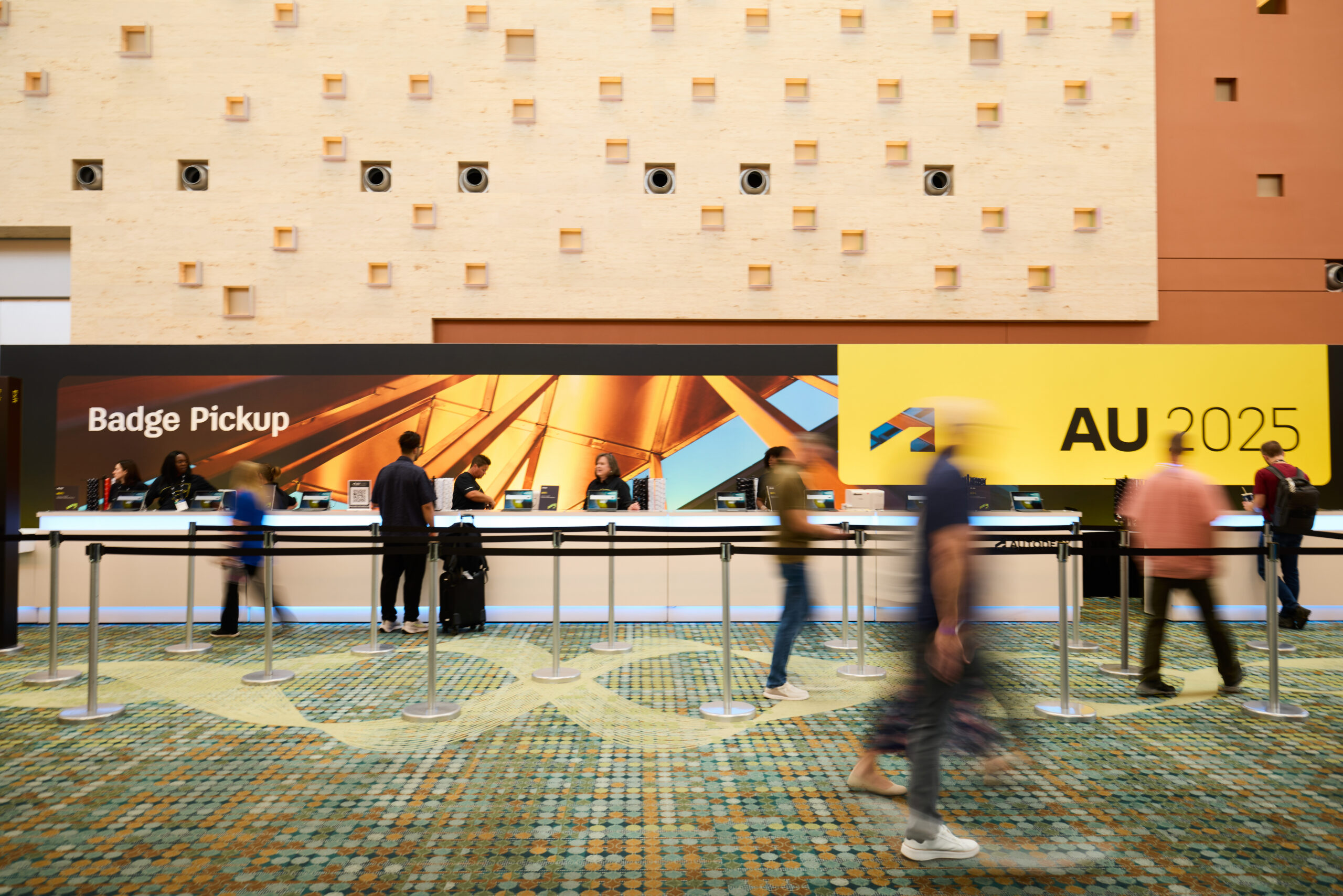
Autodesk University (AU) brings our brand to life at scale. Through thoughtful design and precise execution, our identity shows up consistently across environments, creating a cohesive and memorable experience for attendees while reinforcing Autodesk’s role in shaping innovation.
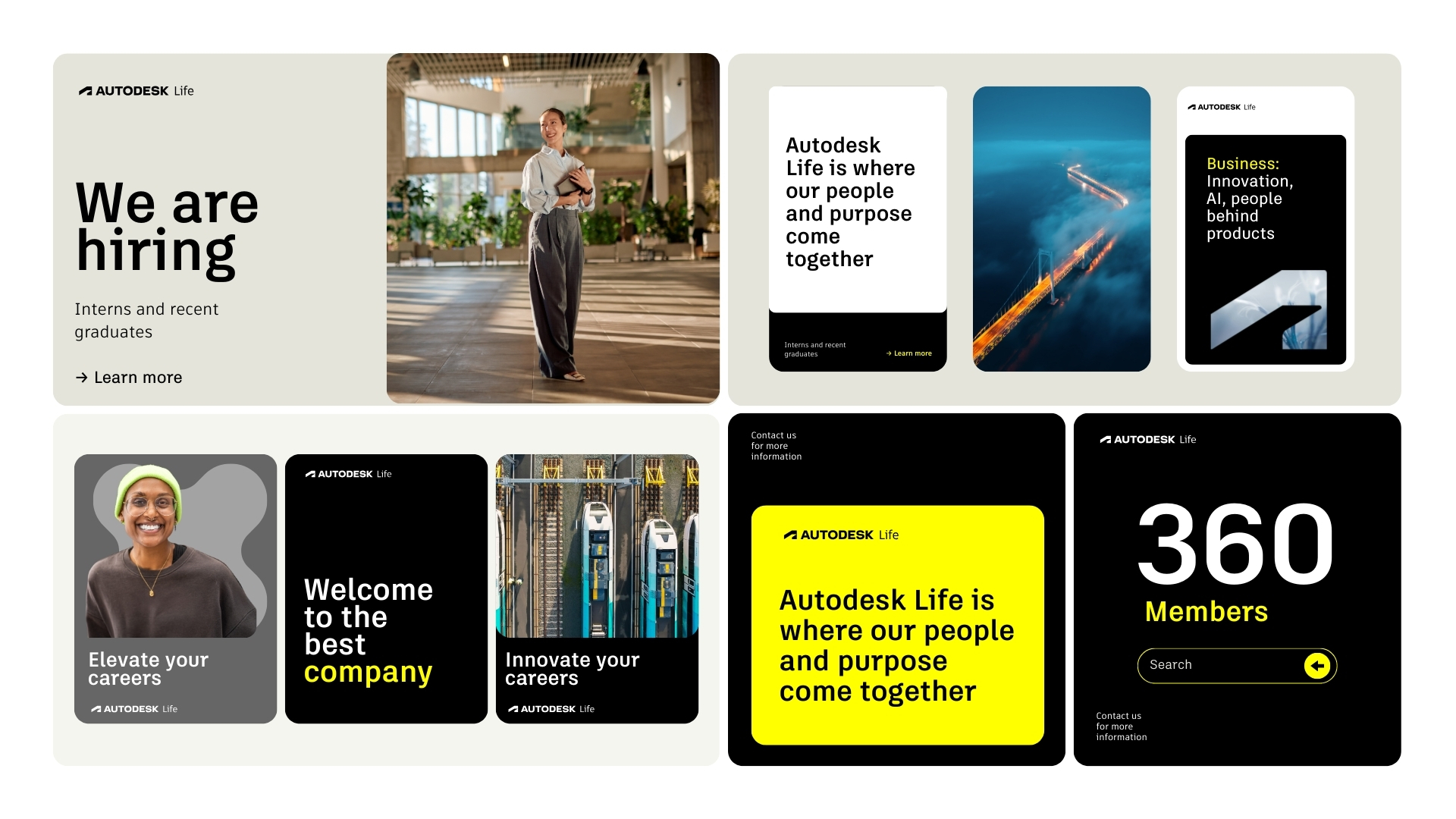
Our social templates are part of an evolving library built for consistency and flexibility. They enable teams to create on-brand content quickly while showcasing the clarity, structure, and distinctiveness of our visual system.
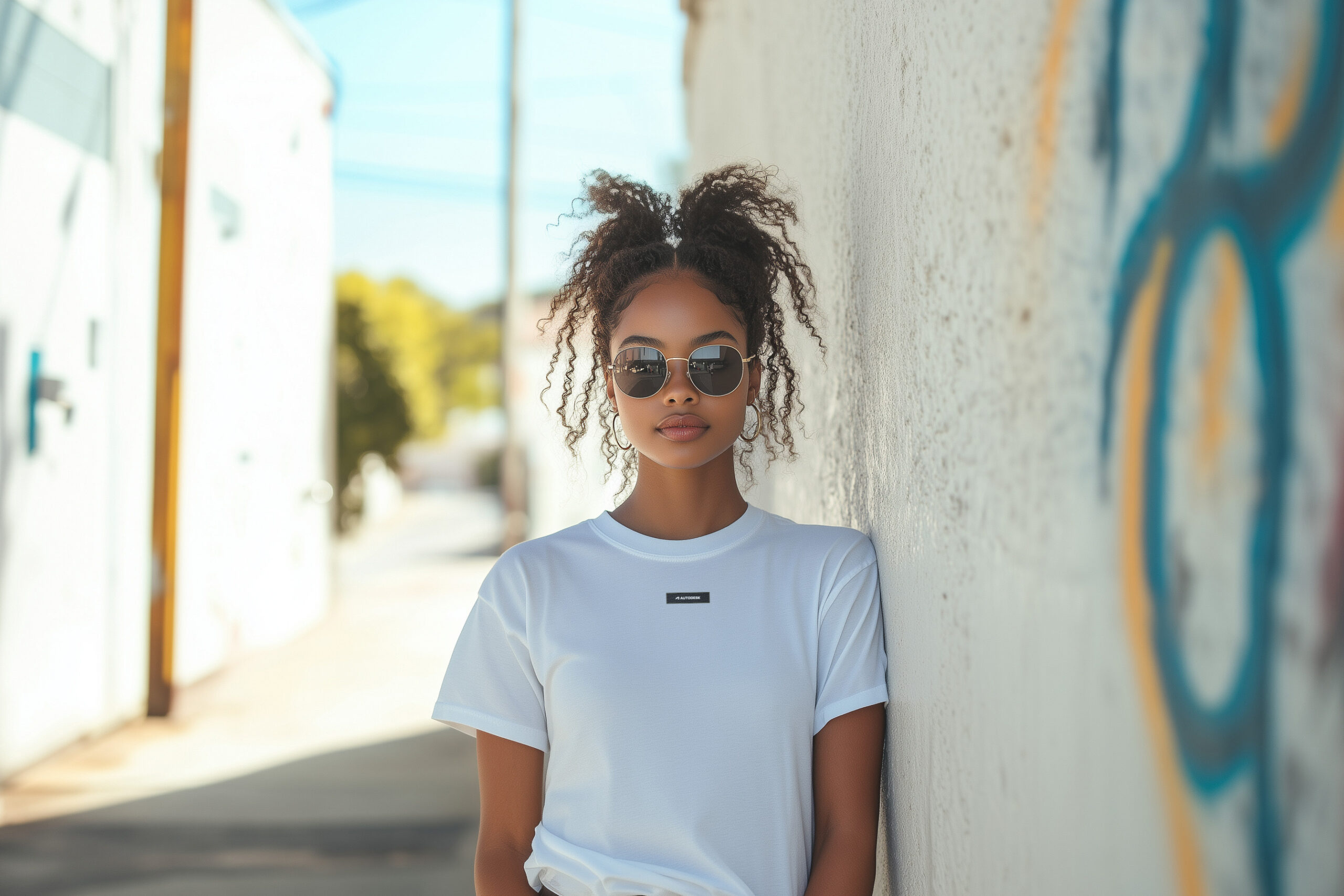
Our merchandise extends the brand beyond digital and physical spaces into everyday use. Designed with simplicity and intention, each piece reflects Autodesk’s identity while creating a tangible connection with our audience.
Virtual backgrounds offer a simple, premium way to bring the brand into everyday moments. Using the thread as a subtle visual anchor, they create a clean and consistent presence across meetings and digital interactions.
FAQ—because
you’re curious
Who is the Brand Hub for?
The Brand Hub is a resource for Autodesk’s employees, agencies, and partners that supports consistent, compelling Autodesk brand experiences. For those looking for information on Autodesk trademarks or copyrights, please see Legal Notices & Trademarks.
Where can I find the Autodesk assets and templates mentioned on the Brand Hub?
The Autodesk DAM (access required) is our official source for approved marketing assets and images. Access to the DAM is based on your relationship with Autodesk. Agencies must be in contract with Autodesk and must have an employee sponsor. Contact your sponsor if you do not have access. VARs, VADs, and Learning Partners can access the Partner DAM. Contact your Autodesk Channel Partner Marketing Manager with any questions.
Where can I get more help with brand guidelines?
Autodesk employees, please contact brand@autodesk.com. Agencies should seek help from their Autodesk sponsor. VARs, VADs, and Learning Partners should contact their Autodesk Channel Partner Marketing Manager.
Does Brand need to review my project?
It depends. Simple projects that adhere to the guidelines on this site, the Digital HIG, and the Editorial Style Guide (access required for all links) do not need to be reviewed. However, please note that these guidelines should be followed for internal employee-facing assets, events, and branded merchandise as well as for our customers and communities.
For more complex projects, employees can contact brand@autodesk.com to find out if approvals will be necessary. Please reach out when your project is in its beginning stages and not after design work has begun.
How can I order branded merchandise?
Visit the Autodesk Shop to purchase branded merchandise. Autodesk employees can order custom merchandise through our vendor, BDA. Learn more about the procurement process (access required).